Mobile console
Fusion Mobile
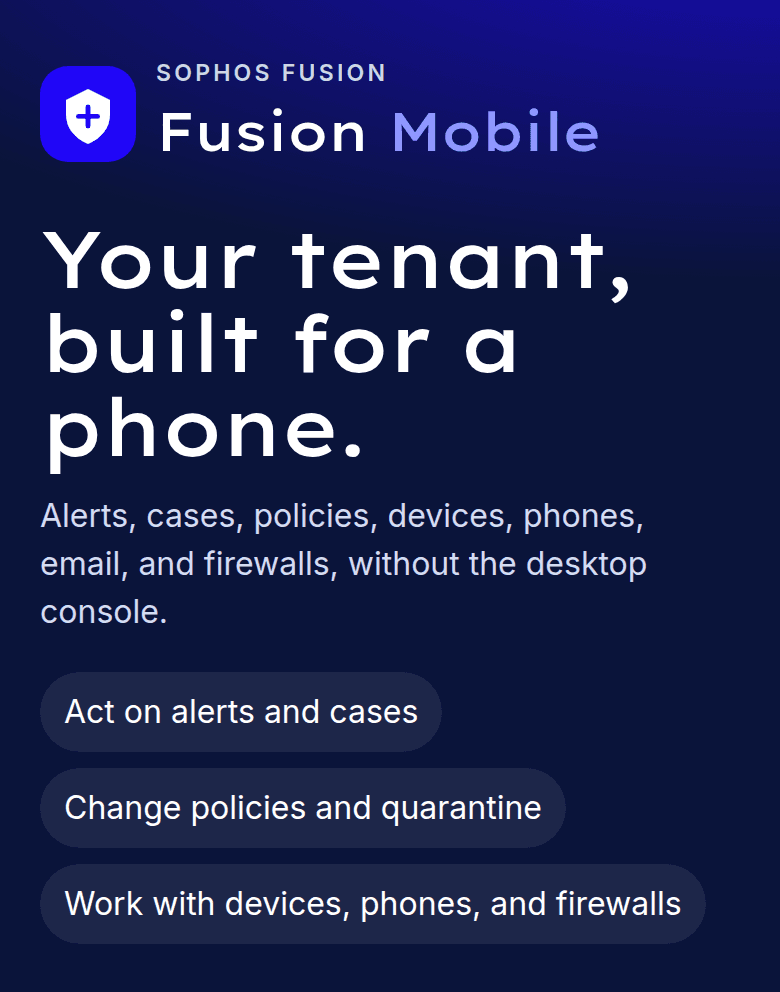
Your tenant, on a phone.
fusion.sophos.com is built for a computer. Fusion Mobile is the console I use when I am away from the desk: a phone app on the Sophos Fusion API.
Home shows what needs attention: high alerts, devices in bad health, and cases waiting on someone. Alerts, cases, and devices sit on the tab bar. Policies, phones, email, firewalls, people, and the last day of detections are one tap further in, under More.
Unofficial companion for a tenant you already administer. Not affiliated with Sophos Ltd. API use follows the Sophos Fusion API.
On the phone
Home screen, then the change
Add Fusion Mobile to the home screen. Home, Alerts, Cases, and Devices sit on the tab bar. Policies, phones, email, firewalls, and people are under More.
The credential
Encrypted cookie, 12 hours
The client ID and secret stay in an encrypted cookie on that browser. After you connect, API calls run on the server.
Your tenant
Created inside Fusion
The credential comes from Global Settings → API Credentials, created in the tenant you administer.
How a change works
- 01
Open it on the phone
Fusion Mobile is hosted at fusion-mobile-jade.vercel.app. Add it to the home screen and it opens full screen. Once a tenant is connected, the header shows the data region Sophos assigned.
- 02
Connect with an API credential
In Sophos Fusion Admin, open Global Settings, then API Credentials. Add a credential and paste the client ID and client secret. They stay in an encrypted cookie on that browser for 12 hours. A deployment can also offer a button that uses credentials saved on the server.
- 03
Work the tenant where you are
Home lists high alerts, devices in bad health, and cases that need action. Act on an alert with the action Sophos offers, update a case, scan or isolate a device, change a policy, release a quarantined message, or lock a phone. Sign out from Settings when you are done.
What you can reach
Alerts and cases
Filter alerts by severity and product, then run the action Sophos allows for that alert: acknowledge, clean, clear, or send a message. Cases are the investigations. Open one to update it and read the detections attached to it. The detections list itself is the last 24 hours.
Devices
Search computers and servers. Scan one, isolate it from the network while you investigate, or release it. Turn tamper protection on or off, and rotate the tamper password when the device supports it.
Policies, email, and firewalls
Create an endpoint or server policy, turn it on, and change a setting. Search quarantine, release a message, or delete it, and open mailboxes. List the firewalls registered to the tenant, rename one, or put it in a group.
Phones, people, and groups
Sophos Mobile devices: sync, scan, locate, lock, message, unenroll, or wipe. Directory users, people groups, and device groups. Records synced from Active Directory, Microsoft Entra, or Google stay read-only here. Those changes belong in the source directory.
What the tenant needs first
Fusion Mobile reaches the tenant you already run. These are the pieces that have to be in place before the first connection succeeds.
- 01
A Sophos Fusion tenant you administer
Sign in at fusion.sophos.com as a Super Admin. Fusion Mobile talks to the Sophos Fusion API for that tenant. The desktop console stays where it is. This is the phone beside it.
- 02
An API credential created inside the tenant
Open Global Settings → API Credentials and add a credential. Copy the client ID and the client secret. Create it in the tenant. Partner and organisation credentials are refused.
- 03
Paste them on the phone
The secret stays in an encrypted cookie for 12 hours. After you connect, API calls run on the server, and only to Sophos. Sign out on a shared phone. If the phone is lost, delete that credential in Fusion Admin.
- 04
The products you expect to see
Mobile, Email, Firewall, and Cases return data when that product is turned on for the tenant. Sophos Mobile itself is offered in a subset of regions. An empty list means the product is off for the tenant, or Mobile is outside the regions where Sophos offers it.
Open Fusion Mobile. The connect screen is the public page. The console opens after the tenant credential is accepted. contact@nathanchadwick.com